

Resources and insights
Our Blog
Explore insights and practical tips on mastering Databricks Data Intelligence Platform and the full spectrum of today's modern data ecosystem.
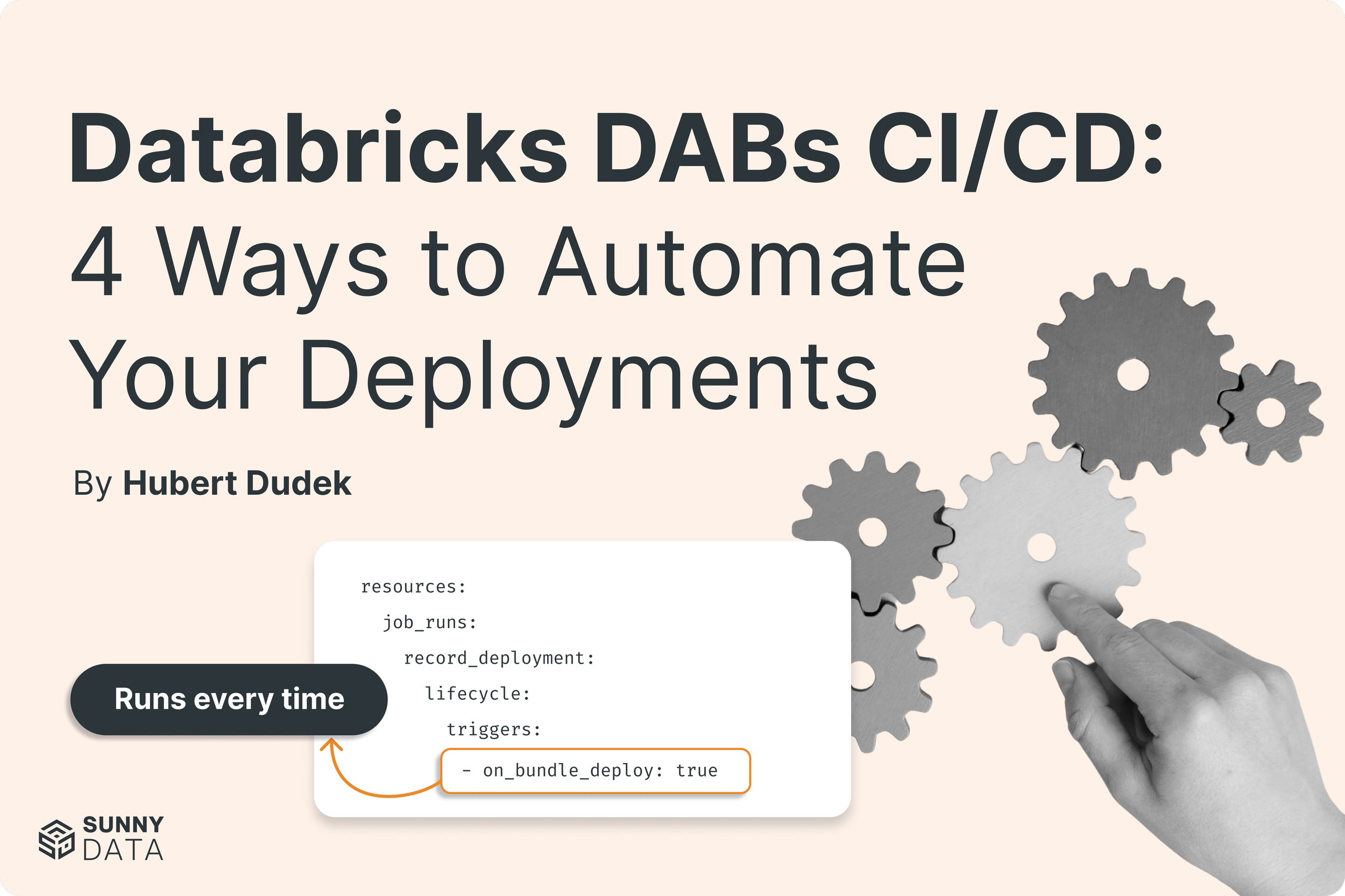
Databricks DABs CI/CD: 4 Ways to Automate Your Deployments
Every CI/CD pipeline eventually needs something to run after deployment: initial setup, config syncs, validation checks. job_runs in Databricks Asset Bundles handles all of it natively, and you can use it to block a production update when validation fails.

Automated Tags Clean The Mess
Learn how to use Databricks Unity Catalog's governed tags to automatically flag undocumented or inactive tables, notify owners, and build a self-governing data catalog.

Databricks as a Model Provider: The Safe Route into Enterprise Adoption of Open-Weight Models
Nicanor Medina (Databricks MVP) explains how Databricks is emerging as a top-tier inference provider for open-weight models like Kimi K3 and GLM-5.3. Fast, affordable, and enterprise-secure.
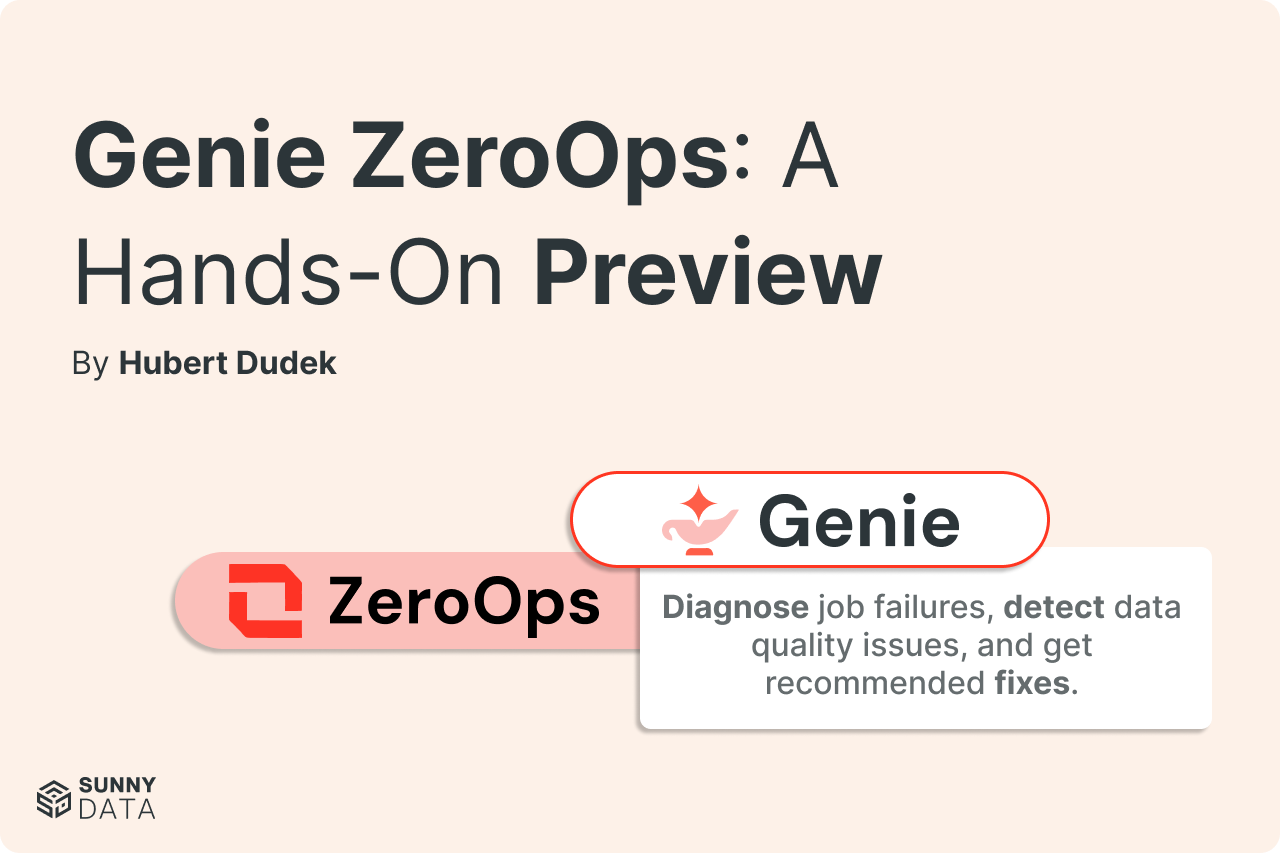
Genie ZeroOps: A Hands-On Preview
A hands-on preview of Genie ZeroOps, Databricks' autonomous agent for monitoring and fixing data pipeline issues — tested against a data overflow bug, a division-by-zero error, and a live migration.
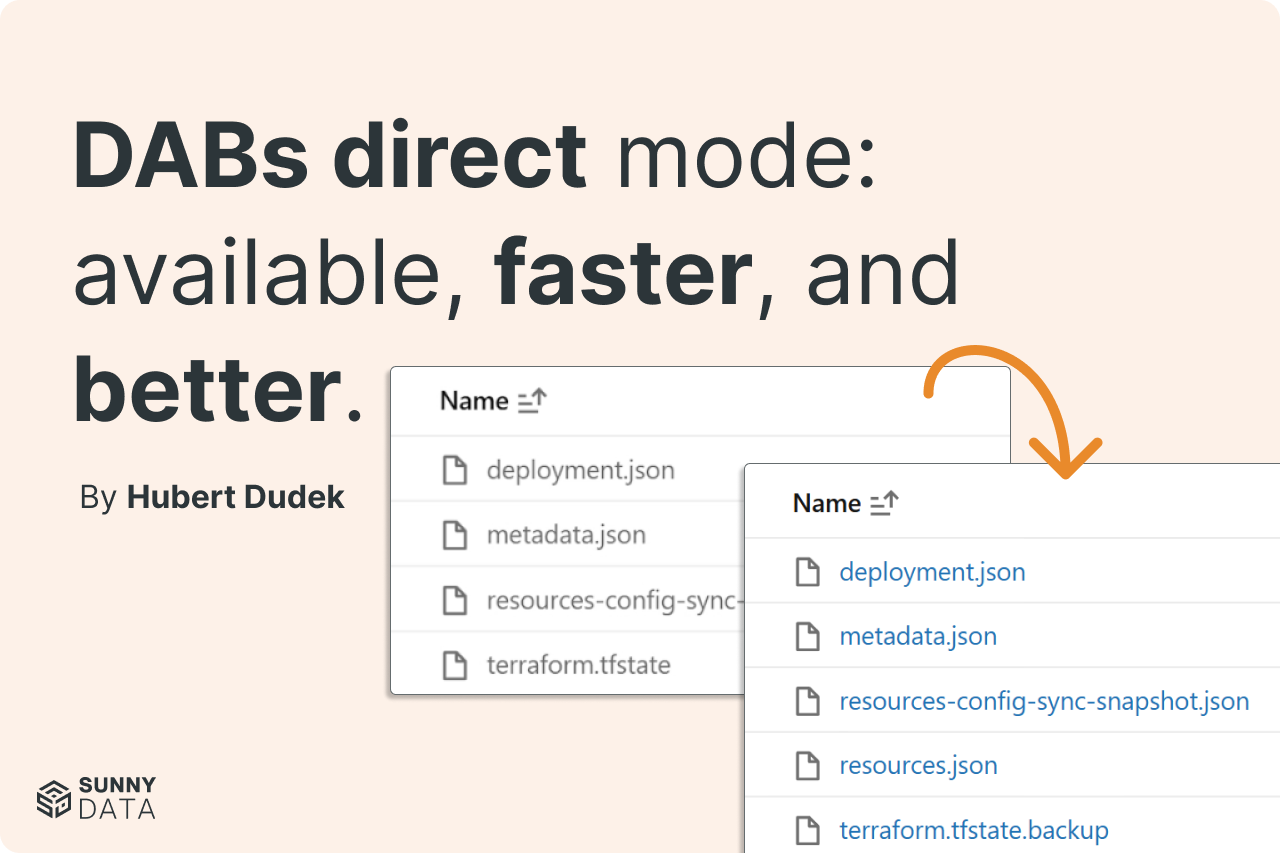
DABs direct mode: available, faster, and better.
Databricks Asset Bundles direct mode is now GA, and it's already the default for bundles created from the workspace, with full CLI default rollout on August 26, 2026. By removing the Terraform dependency, direct mode cuts deployment time by up to 40%, replaces opaque state with human-readable JSON, and unlocks resources like instance pools and Genie Agents that Terraform-gated releases used to delay.
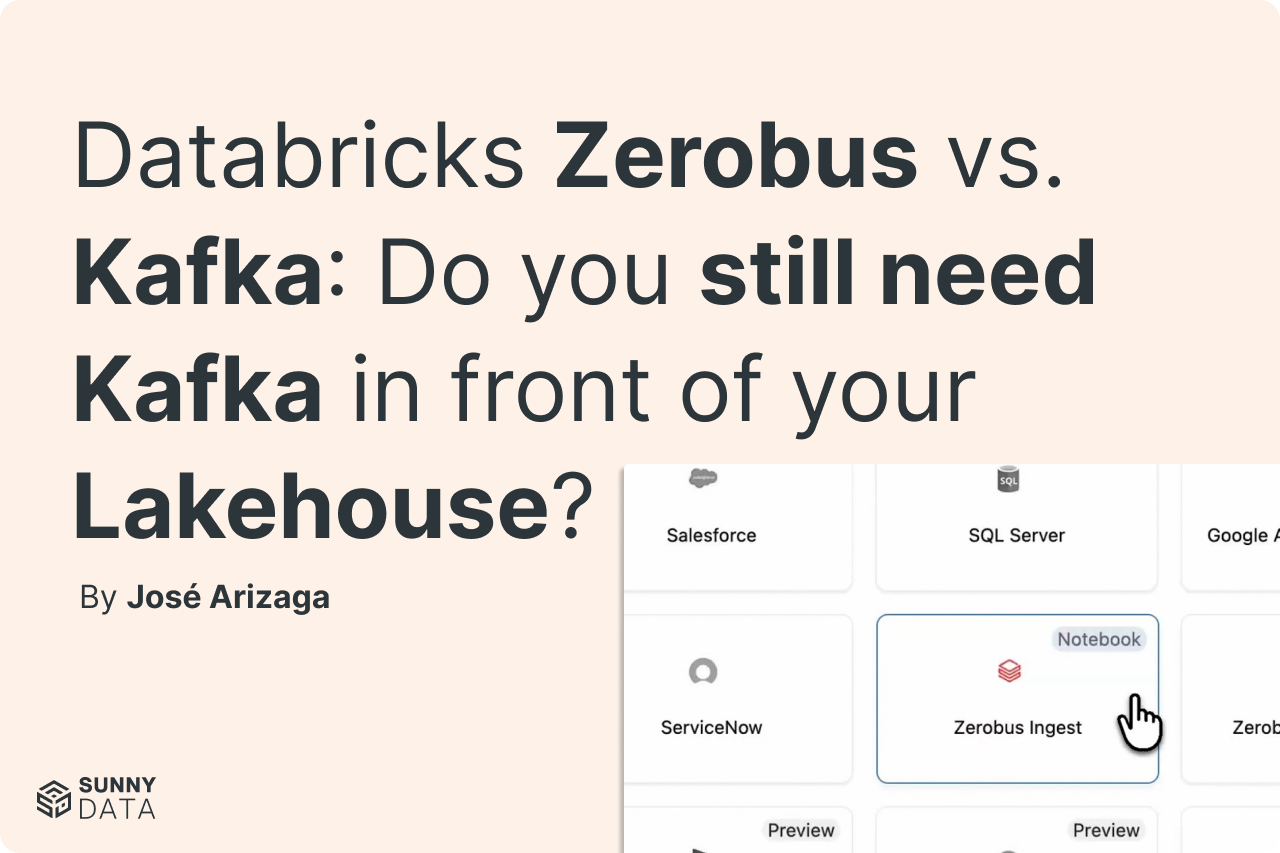
Databricks Zerobus vs. Kafka: Do you still need Kafka in front of your Lakehouse?
Does 'streaming means Kafka' still hold for single-sink ingestion into Delta? We benchmarked it with 64.8 million real events and found a cost gap that never closes, 3.6× to 20.9×
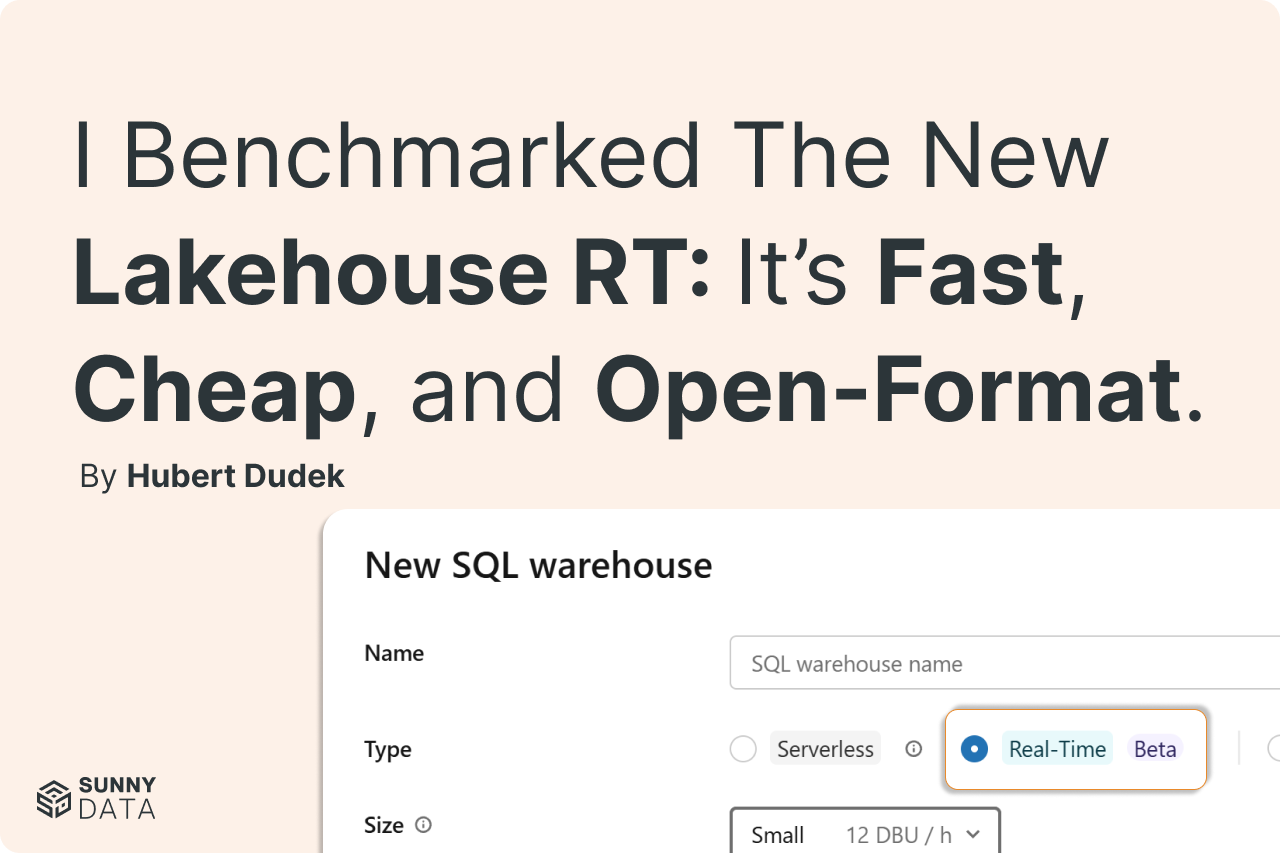
I benchmarked the new Lakehouse RT: It’s fast, cheap, and open-format
Most teams assume faster real-time queries mean higher compute costs. We benchmarked Databricks' new RT Lakehouse engine across datasets from 1 million to 50 billion records to find out, and the results reset what "fast" costs on a lakehouse.
The Translator’s Gone: Inside Databricks' Direct Engine
Databricks just replaced the engine behind DABs deployment. Here's what Direct Engine changes, why it matters, and how to migrate your existing bundles before Terraform support goes away.
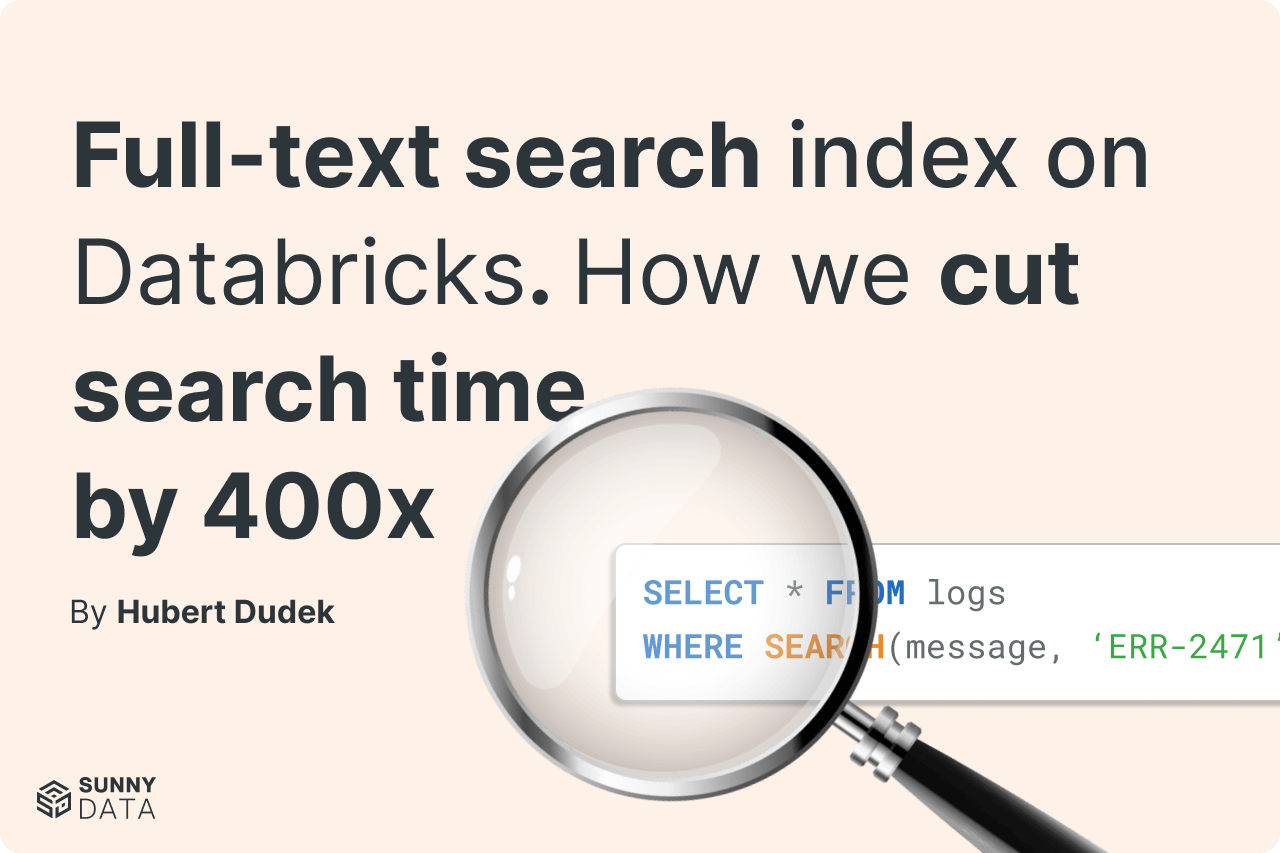
Full-text search index on Databricks. How we cut search time by 400x.
We benchmarked Databricks' new full-text search index across tables from 100M to 10B rows. The result: a 10B-row word search dropped from 71 minutes to under 11 seconds: a 99.75% speedup! Here's how the feature works, how to set it up, and when it's not worth using.
BigQuery to Databricks: What the Migration Actually Looks Like
Migrating from BigQuery to Databricks is an organizational transition, not just a technical one. This retrospective covers the planning decisions, governance redesign, and cost realities that determine whether a migration delivers value or just progresses — drawn from real implementation experience.
SAP HANA to Databricks Migration: The Complete Guide
A complete SAP HANA + BO/SAC to Databricks migration guide — business case, TCO model, 5-phase technical playbook, and 30-day action plan. Built from a real Fortune 500 engagement.
My Favorite Announcements from the Data + AI Summit 2026
Databricks Data + AI Summit 2026 made one thing clear: this is no longer just a data platform. From sub-millisecond reads with Lakehouse//RT to CustomerLake, App Builder, and ZeroOps, the announcements tell a single architectural story. Here's what stood out, and why the most important AI news wasn't about AI at all.
Databricks Docker: From runtime CI/CD to compliance
Databricks now supports 12 official Docker base images, and you can build your own on top of them. Custom containers let data engineering teams control the full runtime (including native binaries, enterprise certificates, internal packages, and offline environments) not just Python dependencies. This post walks through how to build, test, and deploy a custom Databricks container, with nine production use cases from compliance runtimes to DuckDB integration.
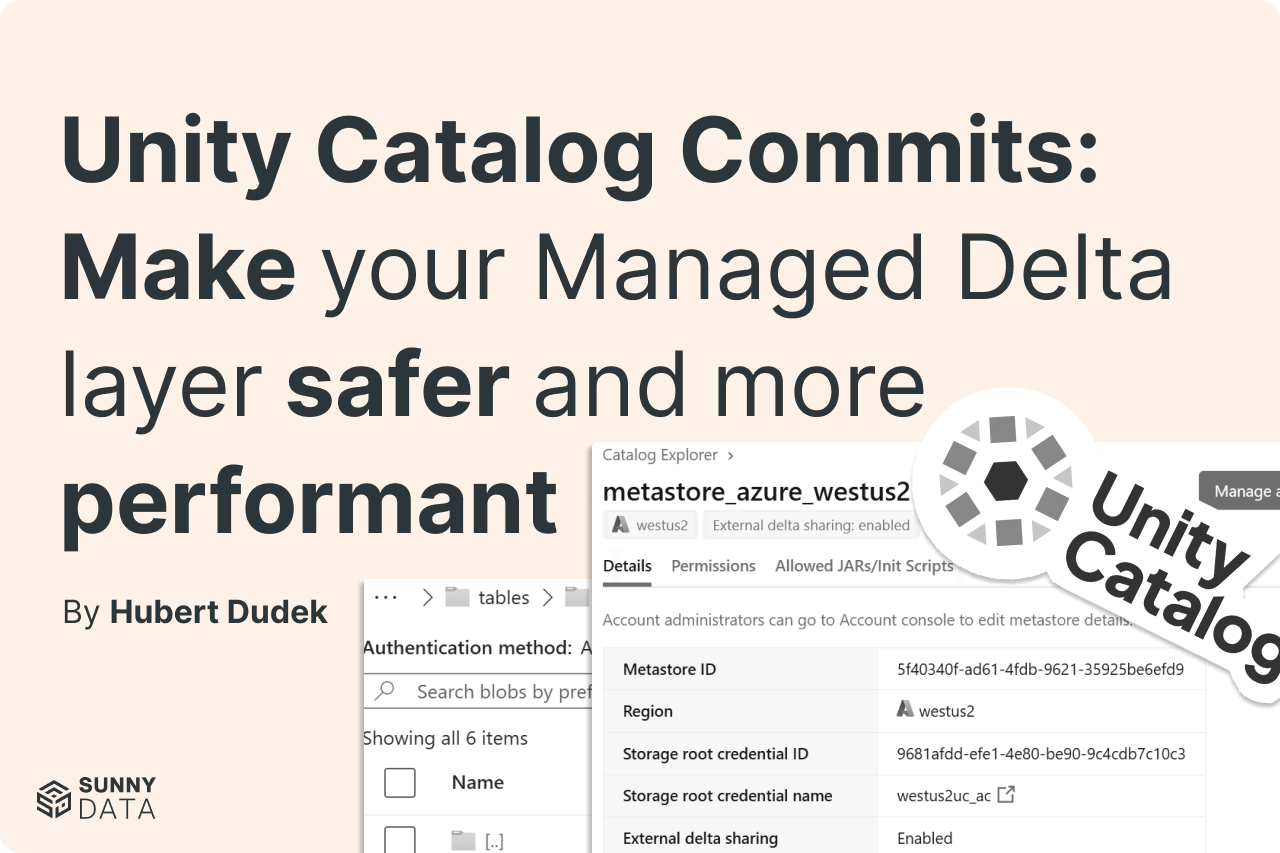
Unity Catalog commits: Make your managed delta layer safer and more performant
Unity Catalog catalog commits move Delta table commit coordination from filesystem-level operations into Unity Catalog, making UC the authoritative source of table state. This enables strict concurrency control, attribute-based access for external engines, and multi-statement multi-table transactions — while leaving data in open Delta format on cloud storage.
Global Job Parameters, Thanks To DABs Mutators
Declarative Automation Bundles mutators let you define job parameters once in a central config file and inject them into every job automatically at deploy time — no more copy-pasting catalog names, schema paths, and environment variables across your bundle. This post walks through a working implementation with full code examples.